How to Download YouTube Videos on Android (Chrome)
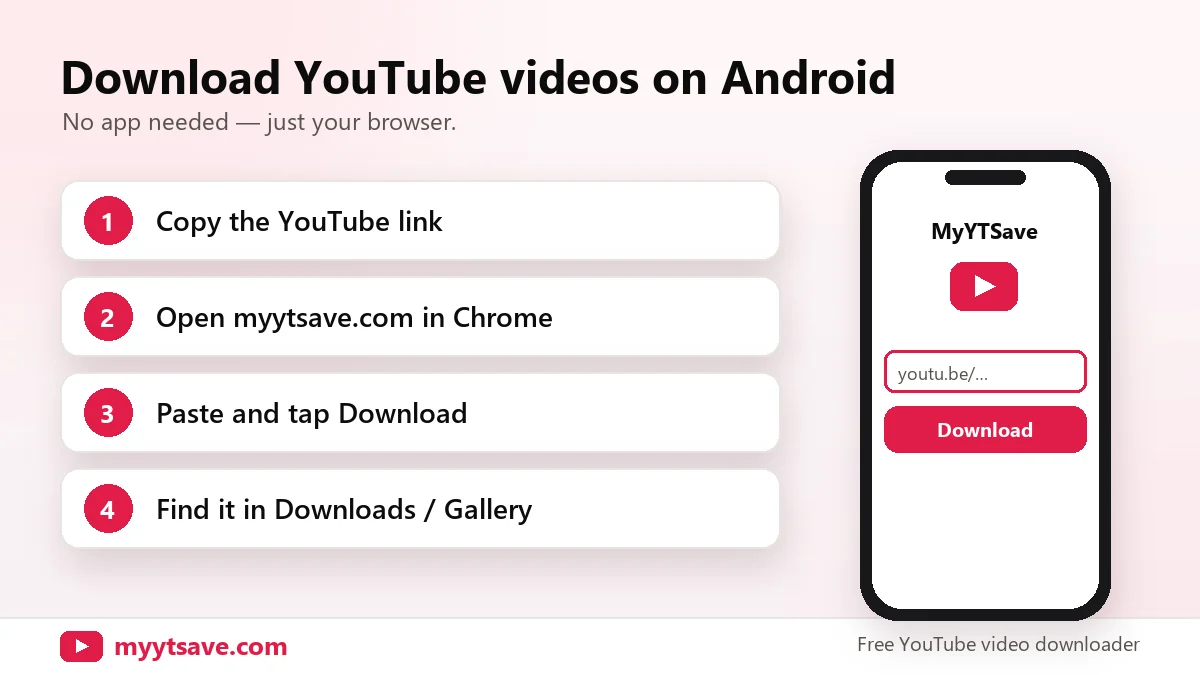
Quick answer: on Android, copy the YouTube link, open MyYTSave in Chrome, paste the link, pick MP4 or MP3 and tap Download. The file goes to your Downloads folder and shows up in Gallery or Files.
Step-by-step on Android
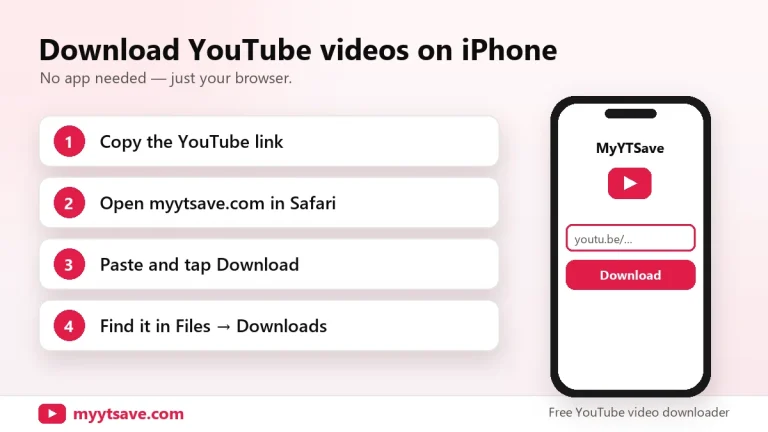
- In the YouTube app, tap Share → Copy link.
- Open Chrome and visit myytsave.com.
- Tap Paste, then Download.
- Choose MP4 quality or MP3 and tap Download.
Where downloaded videos are saved
- Files by Google → Downloads
- Gallery / Google Photos → Downloads album
- Chrome → ⋮ menu → Downloads
Avoid unofficial APKs
Many “YouTube downloader” APKs outside the Play Store bundle adware or malware. A browser-based downloader needs no installation and no extra permissions.
Low storage tips
Choose 480p or 360p for long videos, or MP3 if you only need the audio.