
YouTube Downloader / YouTube Thumbnail Downloader
YouTube Thumbnail Downloader
Grab any video’s thumbnail as a JPG — up to 1280×720.
Works with videos, Shorts and youtu.be linksMP4 · MP3 · Thumbnails
| 1080pFull HD | MP4 | |
| 720pHD | MP4 | |
| 480p | MP4 | |
| 360p | MP4 · small file |
| Best qualityBest | M4A audio | |
| Small file | M4A audio |
| Max resolution1280×720 | JPG | |
| High quality | 480×360 JPG | |
| Medium quality | 320×180 JPG |
Download only videos you own, that are licensed under Creative Commons, or that you have the creator’s permission to save. Respect copyright and YouTube’s Terms of Service.
1Copy link2Paste & press Download3Choose format
The YouTube thumbnail downloader saves a video’s cover image as a JPG. Choose the maximum resolution (1280×720) for presentations and design references, or smaller versions for quick previews.
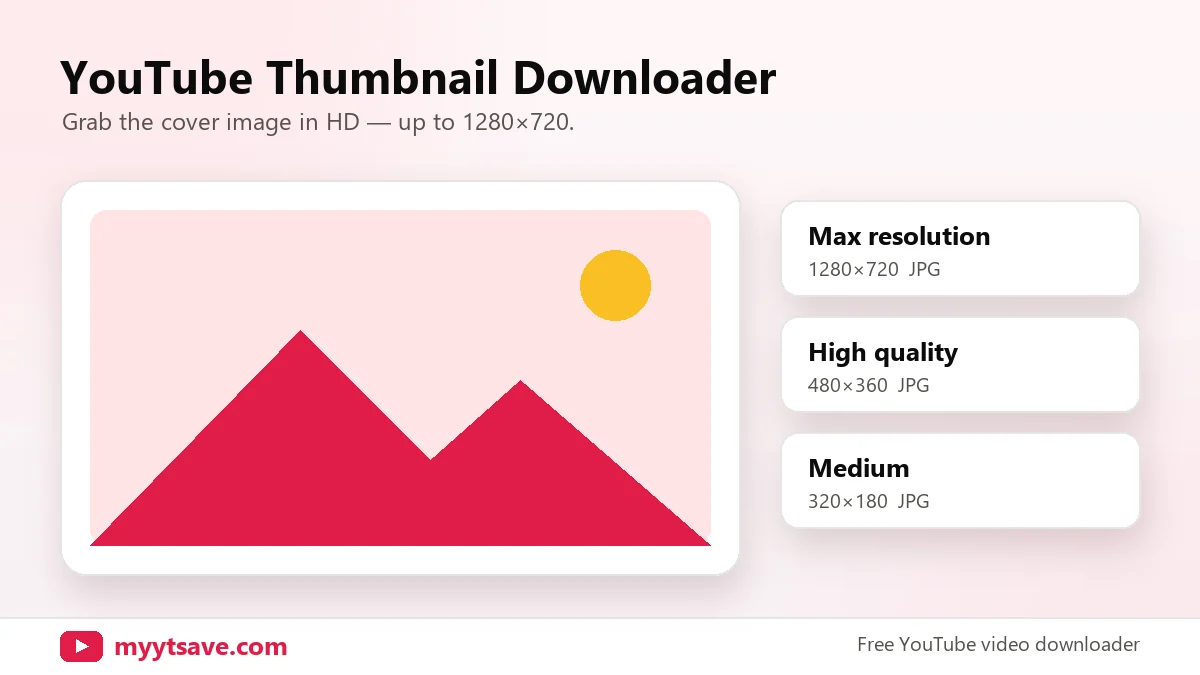
How to download a YouTube thumbnail
- Copy the video link.
- Paste it above and press Download.
- Open the Thumbnail tab and pick a size.
Thumbnail sizes
| Name | Resolution | Use |
|---|---|---|
| Max resolution | 1280×720 | Slides, design references |
| High quality | 480×360 | Blog posts, previews |
| Medium quality | 320×180 | Small previews |
If a video has no HD thumbnail, the downloader automatically gives you the best available version.
Thumbnail downloader FAQ
Can I use a downloaded thumbnail on my site?
Thumbnails belong to the video’s creator. Use them for your own videos, for commentary with credit, or with permission.
Why is my thumbnail blurry?
Older videos often don’t have a 1280×720 thumbnail; the best available size is used instead.
Does it work for Shorts?
Yes, paste a Shorts link to get its cover image.