
YouTube Downloader / YouTube to MP4 Downloader
YouTube to MP4 Downloader
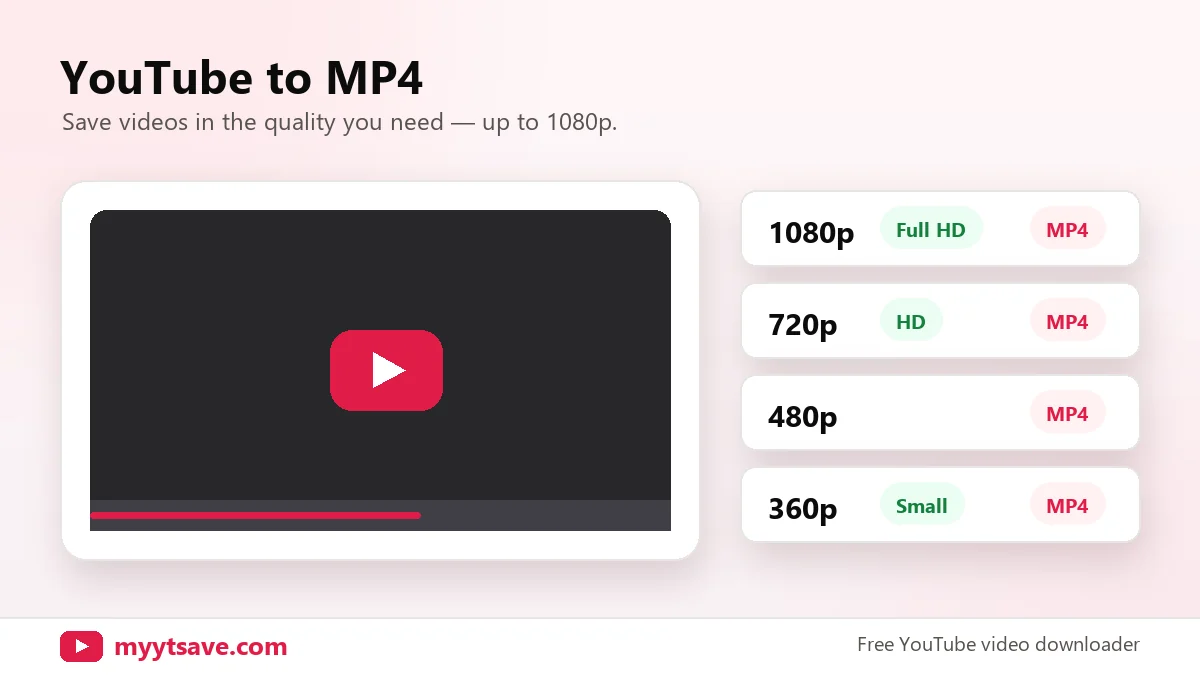
Save YouTube videos as MP4 in the quality you need — up to 1080p.
Works with videos, Shorts and youtu.be linksMP4 · MP3 · Thumbnails
| 1080pFull HD | MP4 | |
| 720pHD | MP4 | |
| 480p | MP4 | |
| 360p | MP4 · small file |
| Best qualityBest | M4A audio | |
| Small file | M4A audio |
| Max resolution1280×720 | JPG | |
| High quality | 480×360 JPG | |
| Medium quality | 320×180 JPG |
Download only videos you own, that are licensed under Creative Commons, or that you have the creator’s permission to save. Respect copyright and YouTube’s Terms of Service.
1Copy link2Paste & press Download3Choose format
The YouTube to MP4 downloader saves a video as an MP4 file — the most widely supported video format. MP4 plays on phones, laptops, TVs and editing apps without converting again.
How to download YouTube videos as MP4
- Copy the link of the video.
- Paste it above and press Download.
- In the Video (MP4) tab, choose 1080p, 720p, 480p or 360p.
Which MP4 quality is right?
- 1080p — sharpest picture, best for big screens and editing.
- 720p — great on phones, half the size of 1080p.
- 480p / 360p — smallest files for slow connections or limited storage.
Why MP4?
MP4 (H.264 video with AAC audio) is supported by virtually every device and editor, including iPhone Photos, Android Gallery, Windows Media Player, QuickTime, CapCut and Premiere Pro.
YouTube to MP4 FAQ
Why is 1080p not available?
The video was uploaded in a lower resolution, or YouTube hasn’t finished processing higher qualities yet.
Do downloaded MP4 files have sound?
Yes, MP4 downloads include both video and audio.
Can I download 4K?
The downloader currently offers up to 1080p, which keeps files a manageable size for most devices.